Voicemail lives on your carrier's system, not on your phone. That's why a new phone can arrive with voicemail already working, and why a new SIM can leave you with no greeting at all. The universal setup takes about two minutes and works on every Android phone regardless of carrier.
The universal method (works on any carrier)
- Open the Phone app and go to the keypad.
- Press and hold the 1 key until it dials your voicemail. If nothing happens, dial your own phone number instead.
- When prompted, create a PIN. Most carriers require 4 to 7 digits and reject sequences like 1234.
- Record your name, then record your greeting.
- Save when prompted. Call yourself from another phone to confirm it picks up.
Visual voicemail by carrier
Visual voicemail transcribes messages so you can read instead of listen. It's a carrier service and each one delivers it differently.
- Verizon: Visual Voicemail is built into the My Verizon app; basic visual voicemail is included on current plans, with a paid Premium tier for longer storage.
- AT&T: Visual Voicemail comes through the AT&T Visual Voicemail app or is built into the dialer on many Android phones.
- T-Mobile and Metro: Voicemail to Text is included; enable it in the T-Life app or by texting the code T-Mobile provides.
- MVNOs (Mint, Visible, US Mobile, Total, Straight Talk). Most support standard voicemail but not always transcription. Check the carrier's app before assuming you'll get text versions.
Common problems
- Calls go straight to voicemail — check that Do Not Disturb and call forwarding are both off.
- Voicemail is full: old messages block new ones on most carriers; delete and empty the trash folder inside the voicemail app.
- You forgot the PIN: reset it from your carrier's account app or website, not from the phone.
- You just switched carriers: voicemail must be set up again on the new carrier, even with the same number and phone.
Voicemail is one of the small things that breaks when you port a number. See which plans make switching painless.
Compare phone plans →Frequently asked questions
Why does my Android voicemail not work after switching carriers? +
How do I change my voicemail greeting on Android? +
Can I get voicemail as text on Android? +
How do I reset my voicemail PIN? +
Why do calls go straight to voicemail? +
Keep reading
All guides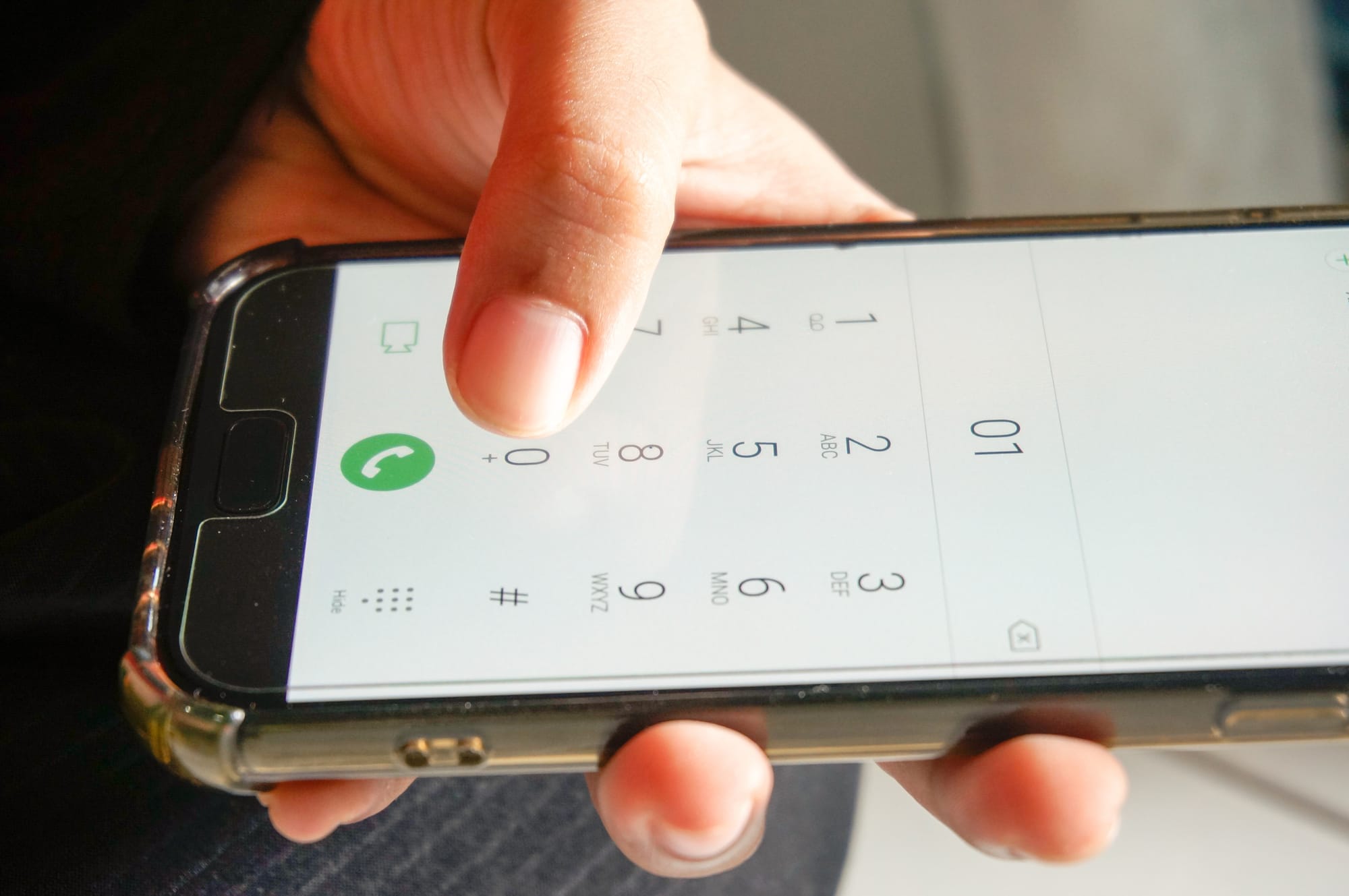


One email when a carrier raises rates, drops a plan, or launches a deal worth switching for. No spam, unsubscribe anytime.

Jean writes ShopCellPlans' reviews. He compares carrier plans using each carrier's own published prices, its FCC broadband labels and reporting from named outlets, and ranks them on the bill you actually get, taxes and fees included, not the price on the ad.