If you're new to eSIM, our What Is an eSIM? guide covers the basics. This guide covers the practical part: which carriers support it, how to move your existing line from a plastic SIM to an eSIM on the same phone, and how to switch carriers using one.
Which carriers support eSIM
Verizon, AT&T and T-Mobile all support eSIM, and so do nearly all of the prepaid and cable brands that run on their networks. Samsung's and WhistleOut's carrier lists include:
| Network | Carriers with eSIM |
|---|---|
| Verizon | Verizon, Visible, Total Wireless, Straight Talk, Xfinity Mobile, Spectrum Mobile |
| AT&T | AT&T, Cricket, Consumer Cellular, PureTalk |
| T-Mobile | T-Mobile, Metro, Mint Mobile, Tello, Ultra Mobile, Google Fi |
| More than one network | Boost Mobile, US Mobile, Red Pocket |
Your phone also has to support eSIM and, if you're changing carriers, be unlocked. Every iPhone since the XS does, and US iPhone 14 and later models have no SIM tray at all. Most Pixel and Galaxy phones from the last few years support it too.
Convert your current line on the same phone
Converting keeps your number, plan and carrier. Only the SIM changes. Connect to Wi-Fi first, because your phone loses cell service for a few minutes during the switch.
iPhone
- Open Settings > Cellular and tap your line.
- Tap Convert to eSIM and confirm.
- Wait for the new eSIM to activate, then remove the old SIM card.
The Convert to eSIM option only appears if your carrier supports converting from the phone. If it's missing, use your carrier's app instead (see below).
Pixel and other Android phones
- Open Settings > Network & internet > SIMs.
- Select the SIM you want to convert.
- Tap Convert to eSIM, then Convert.
On Galaxy phones, eSIM settings are under Settings > Connections > SIM manager. Samsung's conversion option depends on the carrier, so if you don't see it, go through the carrier.
Carrier by carrier
| Carrier | How to convert | Watch for |
|---|---|---|
| Verizon | My Verizon app > Mobile tab > Get SIM, then follow the prompts | The app handles it without needing your IMEI or SIM number |
| AT&T | From the phone's settings (Convert to eSIM) | Service can drop briefly. Keep the old SIM card for 14 days |
| T-Mobile | T-Life app > SIM transfer or activation, while connected to T-Mobile | Turn off SIM Protection first, or the request is blocked |
If the app or settings route fails, every carrier can do it by chat, phone or in a store. Have your phone's EID ready. It's under Settings > General > About on iPhone and Settings > About phone on Android.
Switching carriers with an eSIM
With eSIM you don't wait for a SIM card in the mail. Most carriers activate the new line from their app or a QR code in a few minutes.
- Check that your phone is unlocked.
- Get your account number and transfer PIN from your current carrier.
- Sign up with the new carrier and choose eSIM.
- Enter your number to port it. Your old line stays active until the transfer completes.
- Once calls and texts work on the new line, delete the old eSIM or remove the old SIM card.
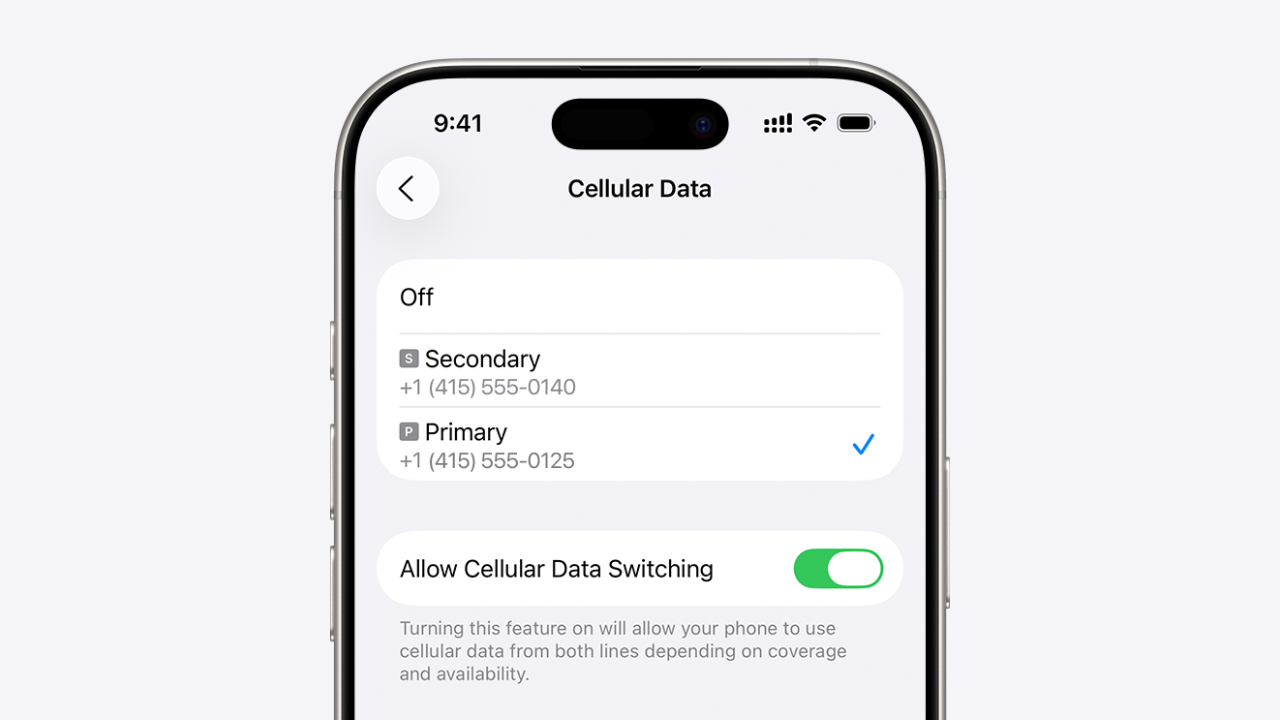
On a phone that holds two lines, you can add the new carrier as a second line before porting and test its coverage first. Our eSIM transfer guide covers the order that keeps you connected.
Before you switch
- Don't delete an eSIM to troubleshoot. You can't reinstall it yourself, and the carrier has to issue a new one.
- Erasing a phone before selling it asks whether to keep or remove the eSIM. Remove it only after your line is working on the new phone.
- Keep a Wi-Fi connection available. Activation needs data, and your old SIM stops working once the eSIM is live.
Frequently asked questions
Can I switch from a physical SIM to eSIM without going to a store? +
Does switching to eSIM change my number or plan? +
Do prepaid carriers support eSIM? +
What happens to my old SIM card after converting? +
Keep reading
All guides

One email when a carrier raises rates, drops a plan, or launches a deal worth switching for. No spam, unsubscribe anytime.

Jean writes ShopCellPlans' reviews. He compares carrier plans using each carrier's own published prices, its FCC broadband labels and reporting from named outlets, and ranks them on the bill you actually get, taxes and fees included, not the price on the ad.